Introducing Pirsch Analytics Version 2.11
We are pleased to announce the next major update for Pirsch! This time we tried to incorporate as many of your requests as possible. Let's get started!
Annotations in the Top Graphs
Annotations can now be added to the top graphs to mark important milestones, events, or anything else you want to highlight! Simply click the Add Annotation icon to create a new annotation, enter a label and select a time.
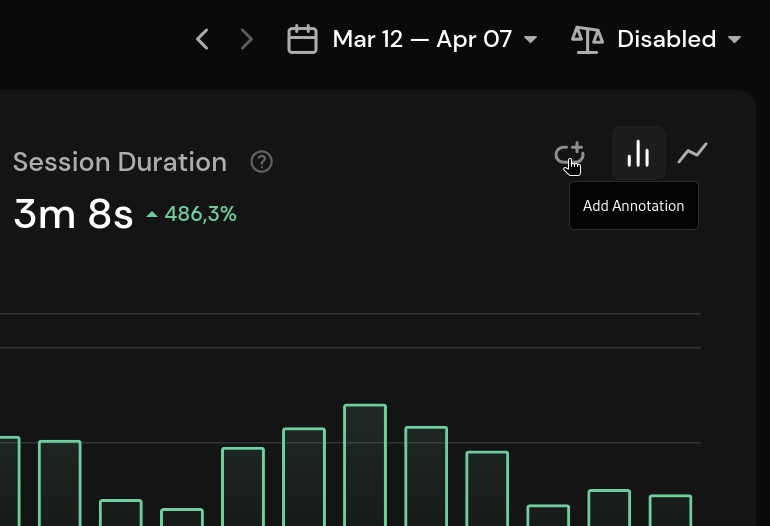
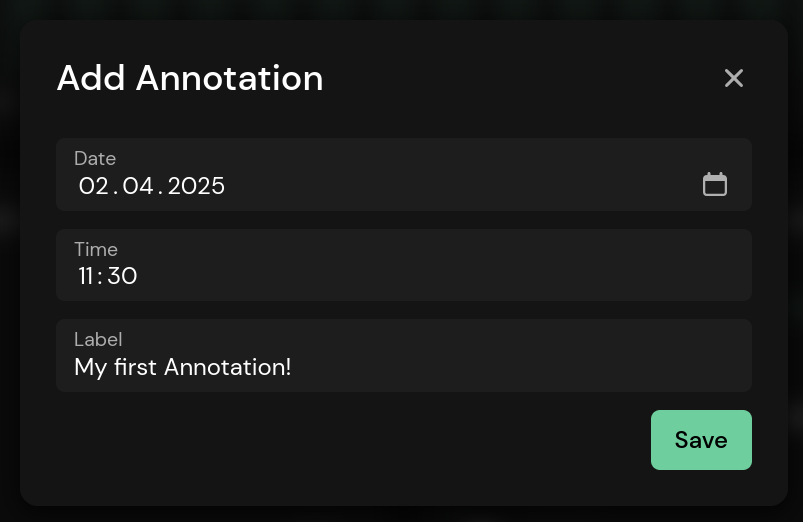
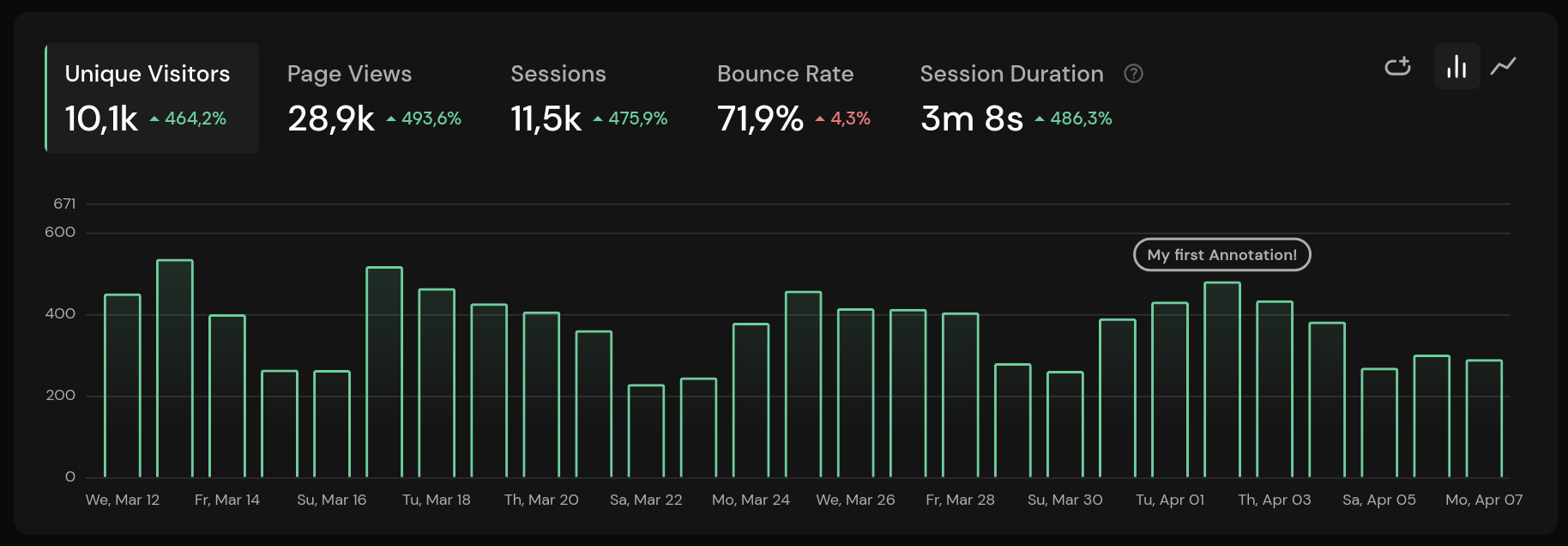
Once the annotation is created, it appears on all graphs. They work to the minute. You can click an annotation to see a list of all annotations for that day, and then edit or remove them.
Create Conversion Goals From the Top Drop-Down Menu
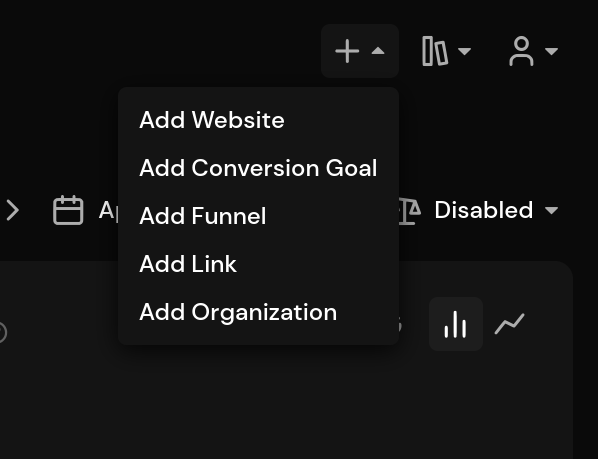
Conversion goals can now be created from the dropdown at the top. Simple, but effective!
Filter Funnels and Short Links
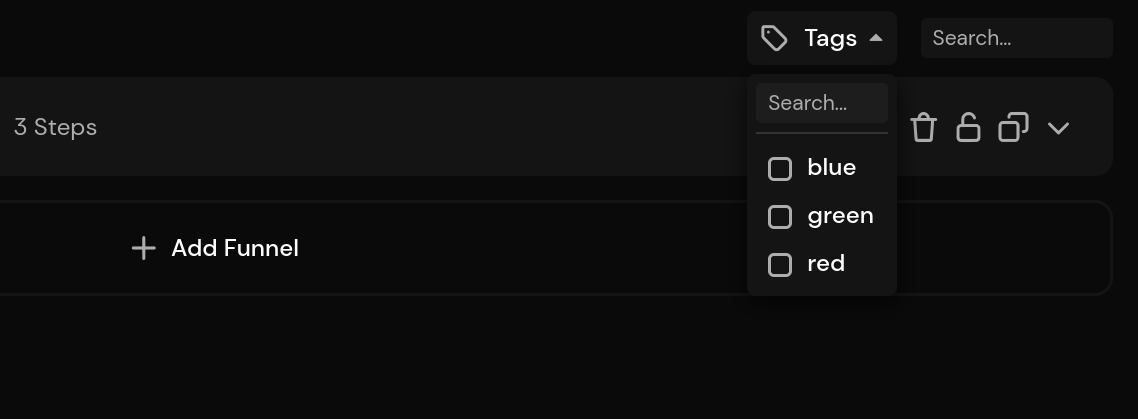
To make organizing your funnels and short links easier, you can now filter them by tags. You can search for and select one or more tags from the new dropdown on the funnel and link pages. It's also possible to search for a funnel or link directly by typing a tag in the search field next to the dropdown.
AI Traffic Channel
A new traffic source channel for AI has been added. You can find it in the Pages panel of the main dashboard. This will make it easier to see traffic coming from ChatGPT, Claude, Perplexity or most other AI tools. If we've missed a tool, please contact support and we'll add it.
Please note that we filter out bot traffic. The AI channel contains human requests with an AI as the referrer.
DuckDuckGo Browser Detection and Icon
We now detect the DuckDuckGo browser and display an icon for it.

Hourly Filter
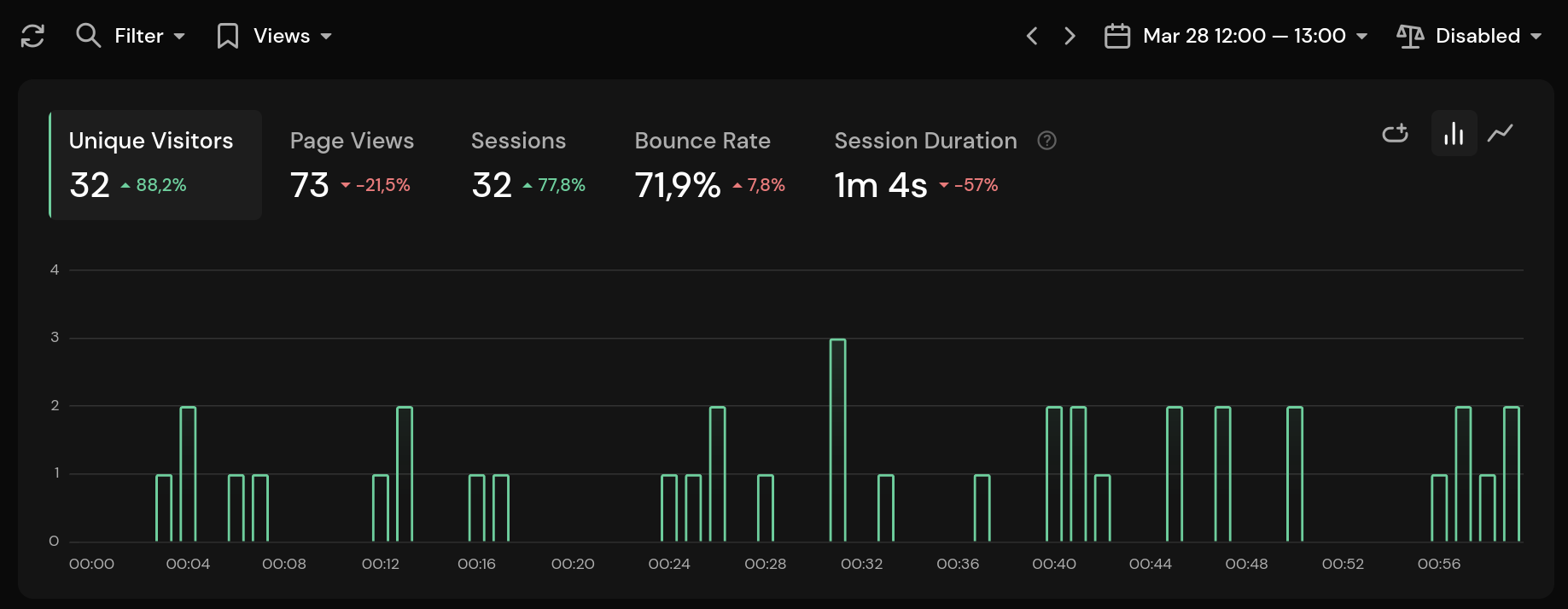
If you have selected a specific hour of the day from the time period selection or by clicking on the graphs, it will now display the selected times. You can also use your arrow keys or the arrow icons to move through a single day.
Filter Name Changes
We've renamed the includes and excludes filters to contains and not contains respectivly to make them easier to understand.
Other Changes
Here are some other notable changes:
Signing in on a custom domain now displays a neutral meta title and description instead of the Pirsch brand
Filter options are now loaded as you type. This allows access to all filter options, not just the top 1000
Session cards now show the year instead of just the day and month the session was created
Session cards no longer show the exit page if the session was bounced (same as the entry page)
You can find the full changelog in our documentation.

